
You’ve spent hours tweaking caching plugins and setting up CDNs, yet Google’s PageSpeed Insights still flags your site. The real problem? Website builders Core Web Vitals often fail because of hidden code bloat that drags down your rankings. In this post, you’ll see why custom web development versus WordPress matters and how lightweight web architecture can save your technical SEO crawl budget.
The Hidden Performance Crisis in Modern Website Builders
When technical marketing leads and webmasters face persistent PageSpeed Insights warnings, the instinct is to add another plugin or upgrade hosting. This approach treats symptoms rather than addressing the root cause. Website builders Core Web Vitals failures stem from fundamental architectural decisions made during platform development, not from insufficient caching or content delivery networks.
The numbers tell a clear story. Research shows that 53% of mobile users abandon sites that take longer than three seconds to load. Google’s algorithm updates have made Core Web Vitals a ranking factor, meaning your site’s performance directly impacts search visibility. Yet many businesses continue to struggle because they’re building on foundations that cannot support modern performance requirements.
Understanding Core Web Vitals and Their Impact on Rankings
Google measures user experience through three specific metrics that form the Core Web Vitals framework. Largest Contentful Paint (LCP) measures loading performance, First Input Delay (FID) gauges interactivity, and Cumulative Layout Shift (CLS) tracks visual stability. Each metric provides insight into how real users experience your website.
For LCP, Google recommends a target of 2.5 seconds or less. This metric identifies when the largest content element becomes visible to users. FID should remain under 100 milliseconds, measuring the time between a user’s first interaction and the browser’s response. CLS must stay below 0.1 to prevent frustrating layout shifts that cause users to click wrong buttons or lose their place while reading.
These metrics matter because they directly correlate with business outcomes. Sites that meet Core Web Vitals thresholds see lower bounce rates, higher conversion rates, and improved search rankings. When website builders Core Web Vitals scores consistently fail these benchmarks, your business loses both visibility and revenue.
Why Popular Website Builders Create Performance Bottlenecks
Most website builders prioritize ease of use over performance. This design philosophy creates a cascade of technical problems that become apparent only after launch. The drag-and-drop interfaces that make these platforms accessible generate excessive HTML markup, inline styles, and JavaScript dependencies that slow page rendering.
Consider a typical page built with a popular website builder. The platform loads its core framework, theme files, multiple JavaScript libraries for various features, tracking scripts, and plugin dependencies. Before displaying any content to users, the browser must download, parse, and execute hundreds of kilobytes or even megabytes of code. This process happens on every page load, regardless of whether users need all these features.
The technical debt compounds when businesses add functionality. Each new feature requires another plugin or widget, and each addition brings its own dependencies. A contact form plugin might load validation libraries, styling frameworks, and API connectors. An image gallery adds lightbox scripts, thumbnail generators, and lazy-loading mechanisms. The cumulative effect creates websites that serve 3MB or more of resources just to display basic content.
The Code Bloat Problem That Plugins Cannot Solve
Caching plugins and CDNs address symptoms of poor performance but cannot eliminate the underlying code bloat. When you cache a bloated page, you’re simply serving that bloated page faster. The browser still must process excessive HTML, parse redundant CSS, and execute unnecessary JavaScript. These client-side operations determine Core Web Vitals scores, and no amount of server-side caching can improve them.
Website builders generate code differently than hand-crafted or professionally developed sites. They must account for every possible use case, so they include CSS rules for features you might never use. They load JavaScript libraries for functionality that may never execute. This “just in case” approach to code generation creates files that are 10 to 20 times larger than necessary.
The problem extends beyond file size. Website builders often load resources in suboptimal orders, blocking critical rendering paths. They inject inline scripts that prevent parallel downloads. They apply styles that trigger layout recalculations. Each of these issues contributes to poor Core Web Vitals scores and requires deep architectural changes to fix page speed for SEO.
Custom Web Development vs WordPress: A Performance Comparison
The debate around custom web development vs WordPress often focuses on cost and flexibility, but performance differences are equally significant. WordPress itself is a capable platform, but the ecosystem of themes and plugins creates the same code bloat problems seen in other website builders.
Custom web development allows precise control over every byte sent to browsers. Developers can write minimal HTML, include only necessary CSS, and load JavaScript exclusively when needed. This approach produces pages that render in milliseconds rather than seconds. The code is purpose-built for your specific requirements rather than accommodating countless hypothetical use cases.
A custom-built site typically serves 200-400KB of resources for a full page load, compared to 2-4MB from website builders. This difference translates directly to faster LCP times. Custom development also enables better control over JavaScript execution, reducing FID. Careful layout planning prevents CLS issues that plague template-based designs.
WordPress can approach custom performance levels when properly configured, but achieving this requires extensive expertise. You must carefully select lightweight themes, audit every plugin for performance impact, and implement custom code to override default behaviors. At this level of customization, you’re essentially building a custom solution on top of WordPress, which raises questions about whether the platform provides value or simply adds complexity.
How Lightweight Web Architecture Improves Core Web Vitals
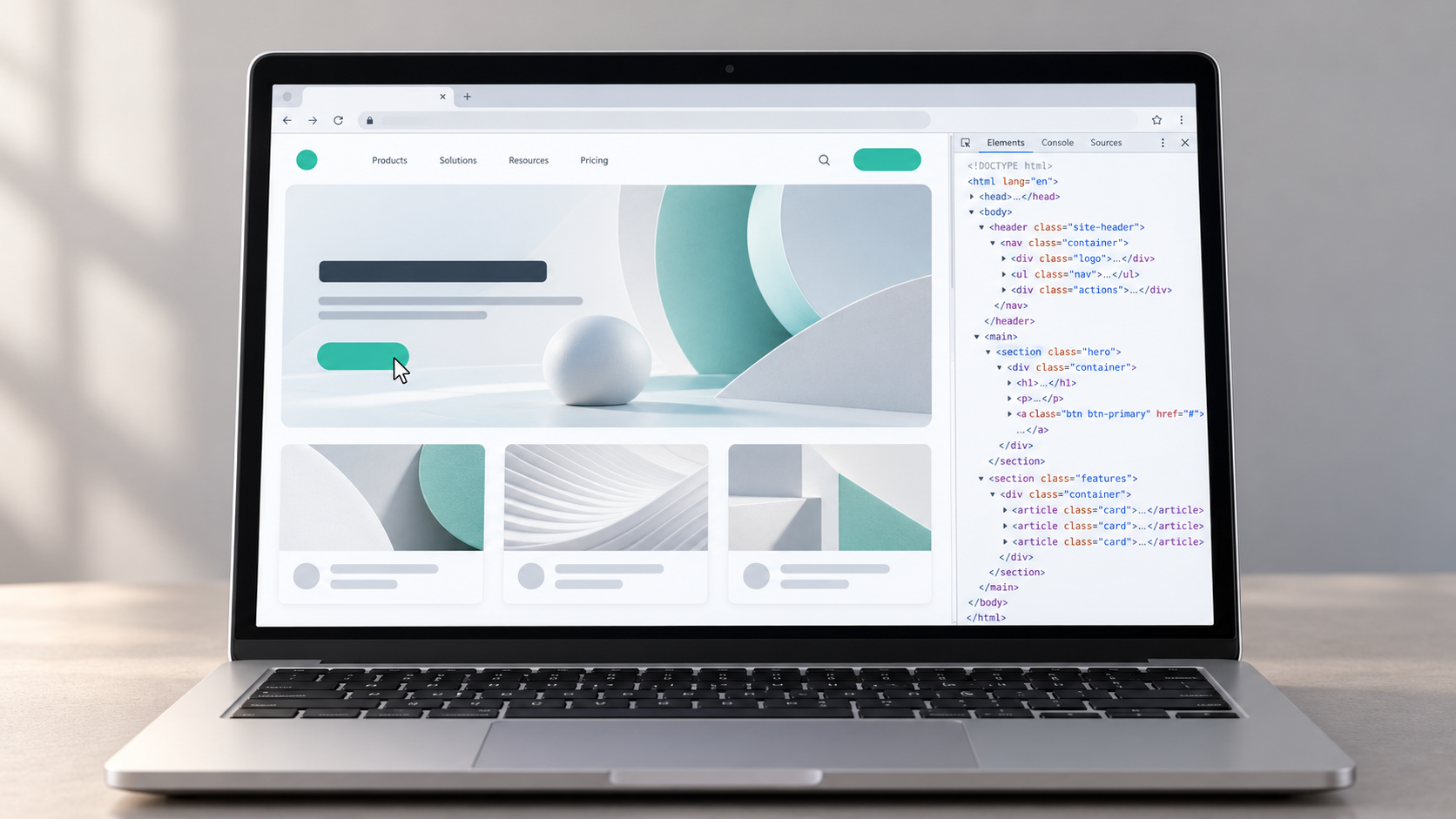
Lightweight web architecture represents a fundamental shift in how we approach website development. Instead of starting with a feature-rich platform and trying to remove bloat, this methodology begins with minimal code and adds only what serves a clear purpose.
This architecture prioritizes critical rendering paths. The HTML contains semantic markup without unnecessary wrapper divs or presentational elements. CSS uses modern layout techniques like Grid and Flexbox instead of framework classes. JavaScript loads asynchronously and executes only when users interact with specific features.
The benefits for Core Web Vitals are substantial. LCP improves because browsers receive and render critical content quickly. FID benefits from reduced JavaScript parsing and execution time. CLS becomes negligible when layouts are defined with explicit dimensions and modern CSS techniques.
Lightweight web architecture also supports long-term maintainability. With less code to manage, updates become simpler and less risky. Performance budgets become easier to enforce when the baseline is already minimal. This approach aligns technical implementation with business goals rather than working around platform limitations.
The Technical SEO Crawl Budget Implications
Search engines allocate a specific crawl budget to each website, determining how many pages their bots will request during a given timeframe. Slow-loading pages consume more of this budget because crawlers must wait longer for responses. When website builders Core Web Vitals scores are poor, search engines spend more time crawling fewer pages.
This limitation affects larger sites most severely. If Google allocates 1,000 crawl requests per day to your site, and each page takes three seconds to load versus 0.5 seconds, the difference is significant. Faster pages allow search engines to crawl your entire site more frequently, discovering new content and updates more quickly.
Your technical SEO crawl budget also impacts how search engines perceive your site’s quality. Consistently fast response times signal a well-maintained, professional website. Slow responses suggest technical problems or poor hosting. These signals contribute to overall domain authority and ranking potential.
The relationship between Core Web Vitals and crawl budget creates a performance multiplier. Sites that load quickly get crawled more often, leading to better indexing. Better indexing improves rankings. Higher rankings drive more traffic. More traffic generates more business value. This cycle rewards sites built on solid technical foundations and penalizes those struggling with platform limitations.
Measuring the Real Cost of Poor Performance
Poor Core Web Vitals scores carry direct financial consequences. A one-second delay in page load time can reduce conversions by 7%. For an e-commerce site generating $100,000 monthly revenue, this represents $7,000 in lost sales. The cost compounds over time as search rankings decline and organic traffic decreases.
Beyond immediate revenue impact, poor performance damages brand perception. Users associate slow websites with unprofessional businesses. They question whether a company that cannot maintain a fast website can deliver quality products or services. This perception affects customer acquisition costs and lifetime value.
The cost to fix page speed for SEO varies dramatically based on your starting point. Optimizing a website builder might require $5,000 to $15,000 in developer time, with ongoing maintenance costs. These investments often yield modest improvements because the underlying platform limits what’s possible. Rebuilding with lightweight web architecture might cost $15,000 to $50,000 initially but eliminates ongoing performance struggles and provides a foundation for future growth.
Practical Steps to Address Website Builder Limitations
If you’re currently using a website builder and facing Core Web Vitals challenges, several options exist. The first step is accurate diagnosis. Run your site through Google PageSpeed Insights, WebPageTest, and Chrome’s Lighthouse tool. These services identify specific issues and quantify their impact.
Review your plugin and widget inventory. Each addition should justify its existence by providing measurable business value. Remove anything that serves marginal purposes or duplicates functionality. This audit often reveals that sites use 20 plugins when five would suffice.
Examine your theme or template. Many themes include demo content, multiple layout options, and extensive customization features that bloat your site. Switching to a minimal theme designed for performance can improve scores significantly. Look for themes that advertise their Core Web Vitals compliance and provide documentation about their optimization techniques.
Consider whether your current platform serves your business needs. If you’re spending thousands of dollars annually on optimization efforts and still failing Core Web Vitals benchmarks, migration to a custom solution or properly configured WordPress installation may cost less over a three-year period while delivering superior results.
The Strategic Advantage of Performance-First Development
Organizations that prioritize performance from the beginning gain competitive advantages that compound over time. Fast sites rank higher in search results, capturing more organic traffic. They convert visitors at higher rates, improving return on marketing investment. They require less ongoing maintenance because they’re built on solid foundations.
Performance-first development requires different thinking about website projects. Instead of asking “What features can we add?” the question becomes “What’s the minimal implementation that achieves our goals?” This mindset shift produces sites that load in under a second, score 90+ on PageSpeed Insights, and provide exceptional user experiences.
The approach also future-proofs your digital presence. As Google continues to emphasize user experience in ranking algorithms, sites built for performance will maintain their competitive positions. Those struggling with website builders Core Web Vitals will face increasing pressure to rebuild or accept declining visibility.
Making the Transition to Better Performance
Transitioning from a website builder to a performance-optimized solution requires planning and expertise. Start by documenting your current site’s functionality and identifying what’s essential versus what’s convenient. This analysis often reveals that sites use complex features to accomplish simple tasks.
Develop a performance budget that specifies maximum file sizes and load times for different page types. This budget guides development decisions and prevents feature creep. Typical budgets might allow 200KB for HTML/CSS, 150KB for images, and 100KB for JavaScript on standard pages.
Choose development partners who demonstrate expertise in performance optimization. Review their portfolio sites using the same tools you use to evaluate your current site. Ask specific questions about their approach to Core Web Vitals, their typical PageSpeed Insights scores, and how they handle ongoing performance monitoring.
Plan for a phased migration if your site is large or complex. Start with high-value pages like your homepage, product pages, or lead generation landing pages. Measure the impact on rankings, traffic, and conversions. Use these results to build the business case for completing the migration.
Monitoring and Maintaining Performance Over Time
Achieving good Core Web Vitals scores is only the beginning. Maintaining performance requires ongoing monitoring and discipline. Set up automated testing that checks your site’s performance daily or weekly. Tools like Lighthouse CI can integrate with your development workflow, alerting you when changes degrade performance.
Establish governance processes that require performance review before adding new features. Each addition should pass through a filter that asks whether the user experience benefit justifies the performance cost. This process prevents the gradual accumulation of code bloat that plagues many sites.
Train your team on performance best practices. Marketing staff should understand image optimization. Content creators should know how to embed media without blocking page rendering. Developers should be familiar with lazy loading, code splitting, and other performance techniques. This distributed knowledge helps everyone contribute to maintaining your site’s speed.
Regular audits catch problems before they impact rankings. Schedule quarterly reviews that examine your entire site, not just high-traffic pages. Look for patterns like increasing file sizes, new render-blocking resources, or degrading Core Web Vitals scores. Address issues promptly to maintain your competitive advantage.
The Long-Term Value of Technical Excellence
Investing in proper web architecture and performance pays dividends that extend far beyond search rankings. Fast sites reduce server costs because they require less processing power per visitor. They scale more easily because each request consumes fewer resources. They provide better foundations for advanced features like progressive web app functionality or offline access.
Technical excellence also attracts better partners and employees. Developers prefer working with clean, well-architected codebases. Marketing agencies achieve better results when sites convert visitors efficiently. These advantages create positive feedback loops that strengthen your competitive position.
The choice between website builders and performance-optimized solutions ultimately determines whether your digital presence supports or hinders business growth. Sites built on lightweight web architecture with attention to technical SEO crawl budget requirements position your business for long-term success in increasingly competitive digital markets.
Your website represents your business in the digital space. When it loads slowly, ranks poorly, and frustrates users, it communicates that your business accepts mediocrity. When it delivers exceptional performance, it signals professionalism, competence, and respect for users’ time. The technical decisions you make today shape your competitive position for years to come.
Understanding the relationship between website builders Core Web Vitals and search rankings empowers you to make informed decisions about your digital infrastructure. The path to better performance is clear: reduce code bloat, prioritize user experience, and build on foundations designed for speed. The question is whether you’ll take action before your competitors do.
Frequently Asked Questions
Why do website builders fail Core Web Vitals tests even with caching plugins?
Website builders generate excessive code that must be processed by the user’s browser, and caching only speeds up delivery of that bloated code. The browser still needs to parse large HTML files, process redundant CSS, and execute unnecessary JavaScript. Core Web Vitals measure client-side performance, which caching cannot improve. The underlying architecture must be lightweight to achieve good scores.
How much faster are custom websites compared to WordPress or website builders?
Custom-built sites typically serve 200-400KB of total resources compared to 2-4MB from website builders, resulting in load times under one second versus three seconds or more. Custom development eliminates unused code and optimizes critical rendering paths. Well-configured WordPress sites can approach custom performance, but this requires extensive expertise and ongoing maintenance that often costs more than building custom from the start.
What is technical SEO crawl budget and why does it matter?
Technical SEO crawl budget is the number of pages search engines will crawl on your site within a specific timeframe. Slow-loading pages consume more crawl budget because bots wait longer for responses, meaning fewer total pages get crawled. Sites with poor Core Web Vitals may have new content indexed more slowly, impacting rankings. Faster sites get crawled more frequently, leading to better indexing and improved search visibility.
Can I fix my website builder’s Core Web Vitals without rebuilding?
You can achieve modest improvements by removing unnecessary plugins, switching to lightweight themes, and optimizing images. Most website builders have architectural limitations that prevent achieving excellent Core Web Vitals scores. If your site consistently scores below 50 on PageSpeed Insights after optimization attempts, rebuilding with performance-first architecture will likely cost less over three years than ongoing remediation efforts.
What specific Core Web Vitals metrics should I prioritize first?
Focus on Largest Contentful Paint (LCP) first, as it has the biggest impact on user perception and is often the easiest to improve through image optimization and server response time reduction. Target 2.5 seconds or less. Next, address Cumulative Layout Shift (CLS) by specifying dimensions for images and ads. Finally, tackle First Input Delay (FID) by reducing JavaScript execution time. Improving all three metrics together provides the best ranking benefits.
How Elevated Marketing can help
We do this work every day for businesses in Indianapolis, the DC & Virginia metro, and nationwide.
→ SEO & GEO Services→ Managed Web Hosting→ Web Development→ More on UncategorizedGet a free audit